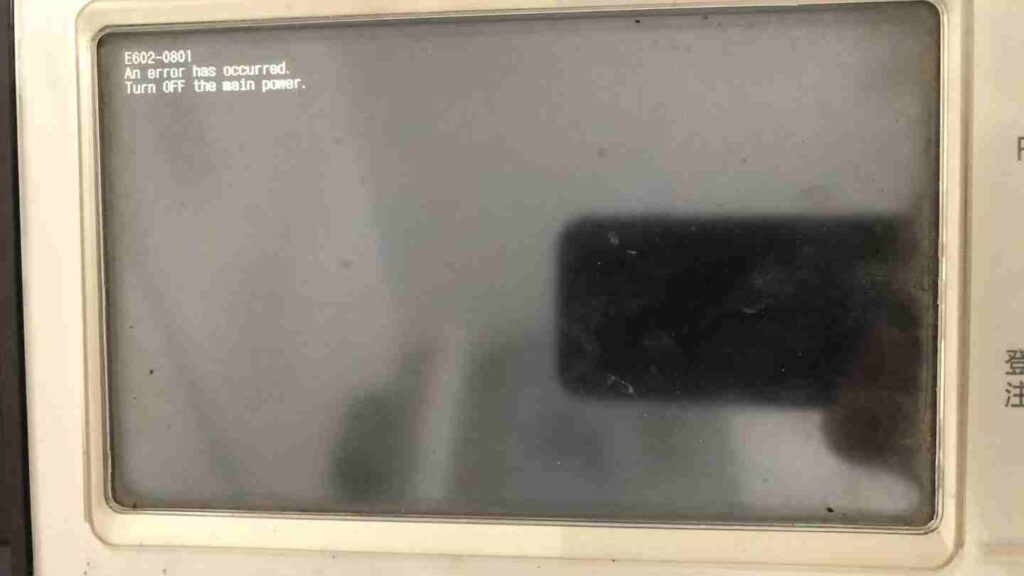
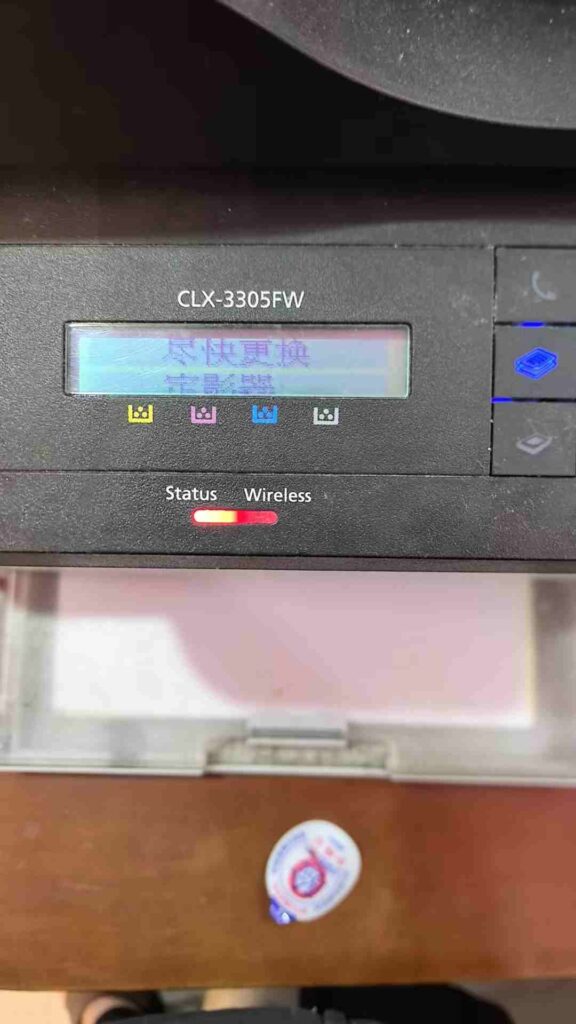
The process of connecting to a shared printer on a network typically involves searching for the printer on the network, entering the printer’s user name and password, and then selecting the printer from a list. Depending on your specific printer, the process may vary slightly, but all of the steps should be similar.
First, you will need to search for the shared printer on the network. This can usually be done from the printer software installed on your computer or from the “Add Printer” option on the control panel. Once you have found the printer, you will need to enter the user name and password assigned to it. If you do not know the user name and password, you will need to contact the administrator of the printer to get this information.
After you have entered the user name and password, you should be able to select the printer from a list of available printers. Finally, you will need to install any necessary drivers and make sure that the printer is properly set up. Once you have completed these steps, you should be able to use the shared printer.